
Every screen on set, in perfect sync.
The Twisted Media Playback System (TMPBS) allows the playback teams for film, television, broadcast and live events to control one or one hundred independent clients and their screens, all from from one place. Color correction, file managment, on the fly changes...all handled with ease.
One Remote. Any mix of players.
The Remote Control runs a small server on the operator's machine. Every player on the network connects to it and takes its cues — cross-platform Air Players and purpose-built Native Players alike. Mix whatever hardware the show demands; they all speak one protocol, so nothing needs re-training and any fleet is a valid fleet.
The whole floor, from one screen.
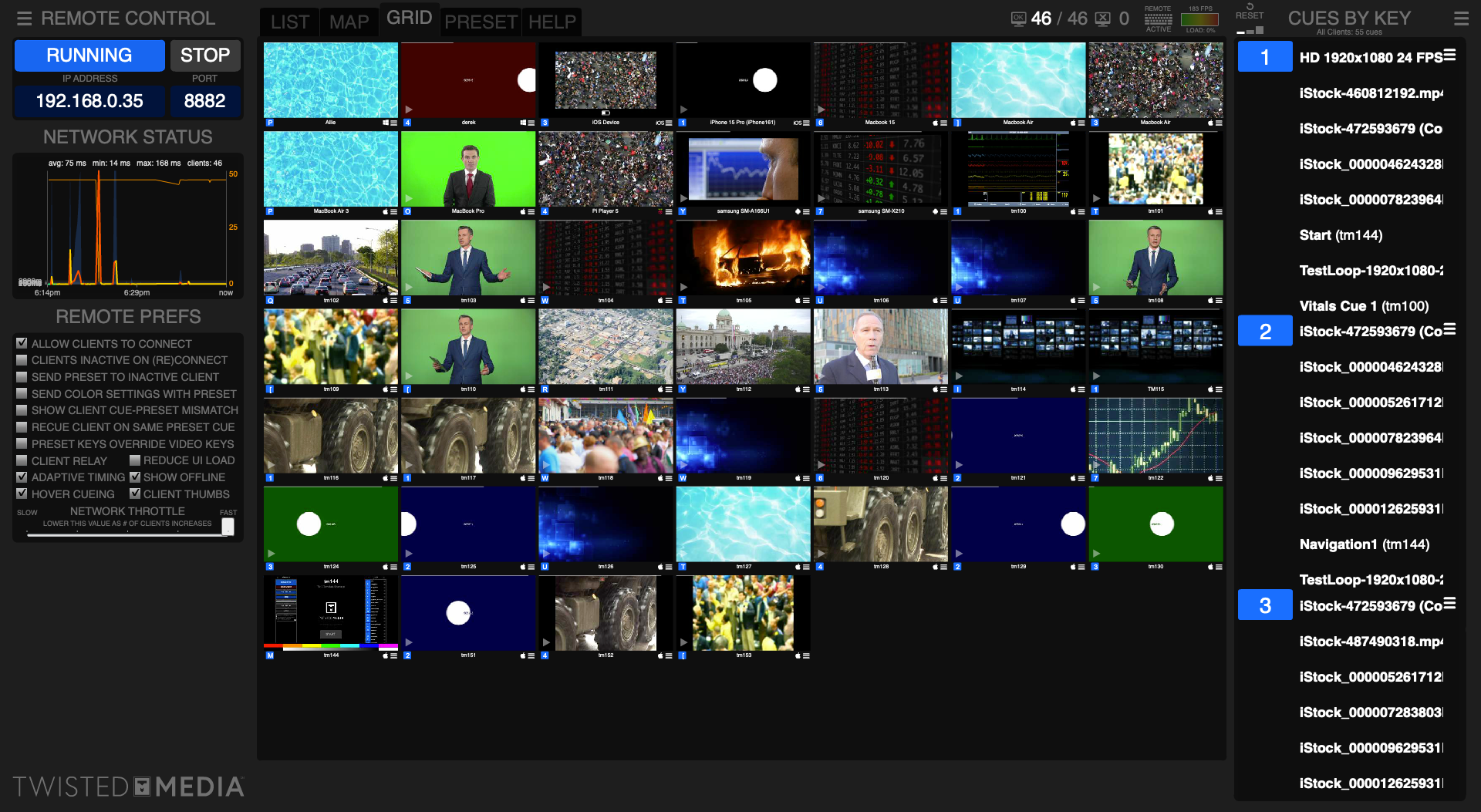
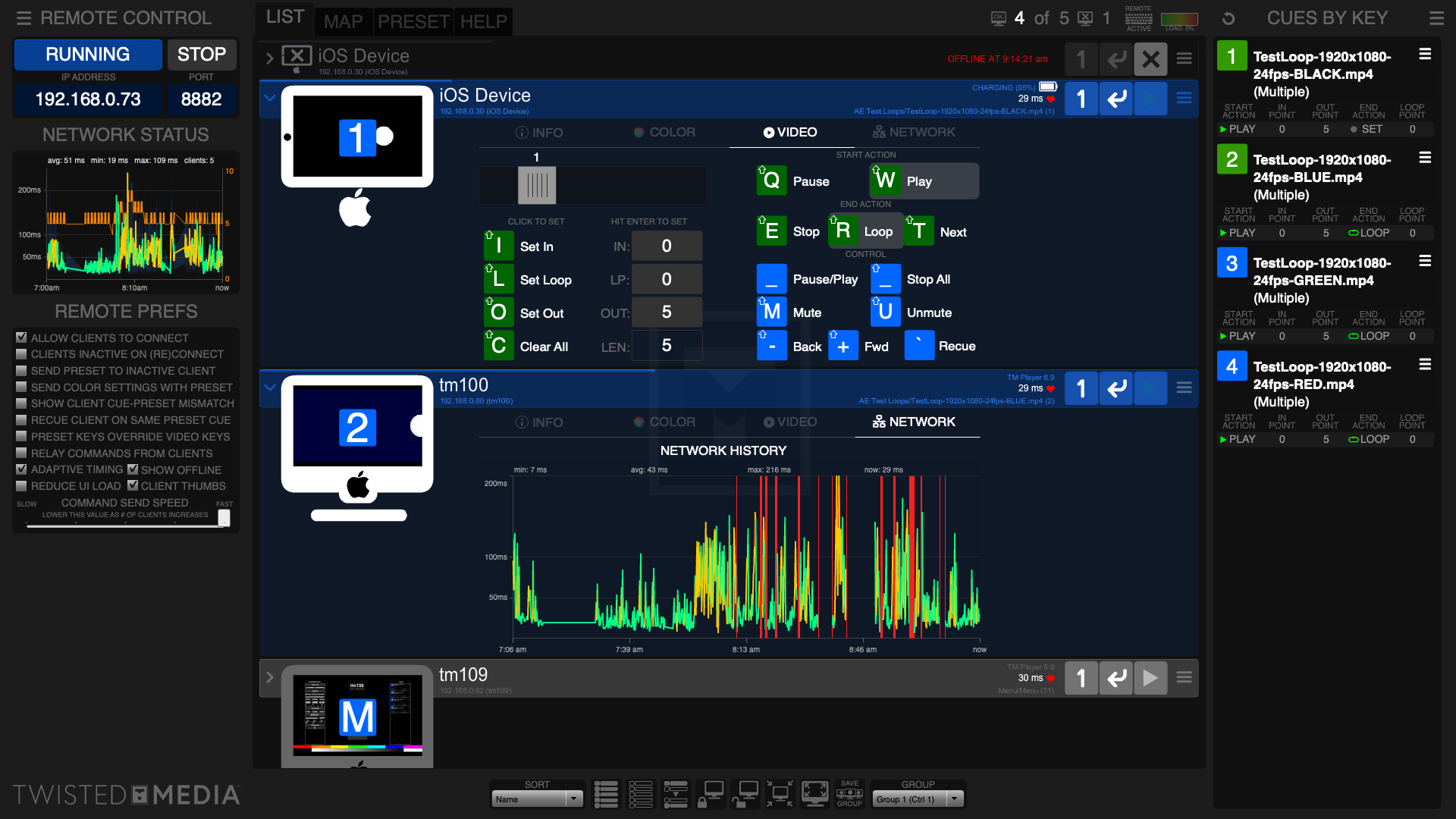
Select one client, a numbered group, or every display at once — then fire a cue with a click or a keystroke. Live thumbnails show exactly what each screen is presenting in real time, so you're never guessing at what the audience sees.
Lay clients out on a 2-D Client Map that matches the real room, capture the entire state — positions, color, overlays, cues — as a named preset, and recall it instantly next session. Push 17-channel color correction to a whole fleet live, record a sequence with Learn, and lock every client's input the moment you need the room to hold.
A Player for Every Platform
The same Air Player runs on Mac, Windows, iOS and Android. Point it at a folder and every video and still becomes a cue — each with its own IN / LOOP / OUT points, start and end actions, and crossfade. Reorder by hand; the order travels with the folder.
Four playback engines are built in, including TMVideo for ProRes and HEVC on Apple devices. Push an engine a client can't run and it falls back to the best one it can — so a single choice is safe to send to a mixed fleet, and you never strand a screen on a dead setting.
High Performance, OS-Native Players
Where you want a dedicated playback node, the Native Players install like any native app — no Adobe AIR needed — on iOS, Android, Raspberry Pi and Windows. Looping and cue-to-cue switching are seamless — clips up to 4K roll and change without a hitch — with pan / zoom / rotate and full color correction on every node.
Every native player speaks the exact same wire protocol as the Air Player, so one Remote drives them all, interchangeably, in the same show. Cue edits live in a portable .tmpbs file that rides along with the media folder, and playback keeps running if the network blinks.
TM Hero — when the actor drives the screen.
Hero is the Player with a layer of interactivity built in by our design team. Instead of a fixed clip, the screen responds to the performance — a tap, a login, a call answered, a readout that changes — so the actor's action drives what's on screen on the day.
Every interaction is authored ahead of time and stays on the operator's cue, so it lands the same way take after take. Underneath it's all the Player — the same playback, color correction and pan / zoom / rotate — with the moments your scene needs wired in.
TM Fauxne — any phone, any UI, on cue.
Fauxne turns a real iOS or Android device into a believable phone screen. Choose a skin — accurate iOS, Android or Sony builds — and call up the exact moment you need: lock screen, incoming call, an active call, a text thread, the music player, voicemail.
Trigger it live from the same Remote Control, with color-corrected video playing right inside the interface, and capture a genuine-looking phone scene that needs no screen replacement in post. The prop reacts on the operator's cue, take after take.
TM FakeTime — Video calls made easy
FakeTime stages a video call that looks completely real and records both sides at once — the on-screen call interface and the actor's front-facing camera — straight to a clean MP4. No second caller, no dual-device rig, no waiting on a live connection.
Load your own splash, incoming, in-call and call-ended states, loop the caller in picture-in-picture, dial in color, and send the whole thing out over AirPlay to a monitor. Built for the pace of a real set: dozens of takes a session, finalized reliably every time.
TM Vitals — a patient monitor that performs on cue.
Vitals is a realistic vitals-monitor emulator — ECG trace, heart rate, SpO2, blood pressure, respiration — doing everything a real monitor does, and looking right in frame.
Hold a steady rhythm, ramp into a crisis, flatline on the director's word, then reset clean for the next take — all on cue, all repeatable. No medical playback to chase and no fixes in post: the monitor performs like a member of the cast.

The work the system was built to run.
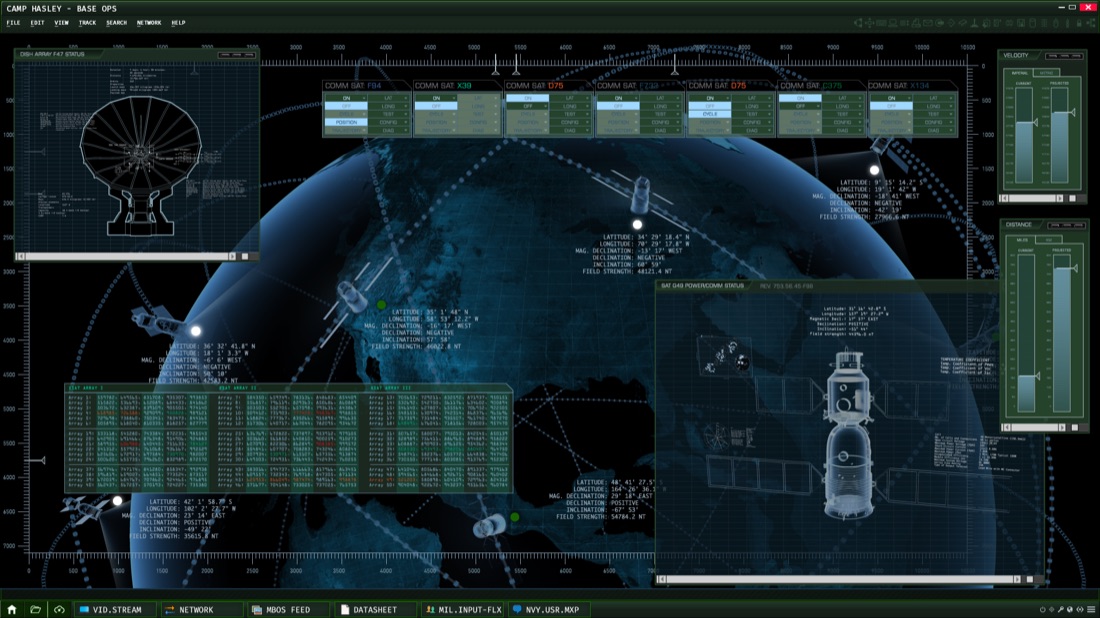
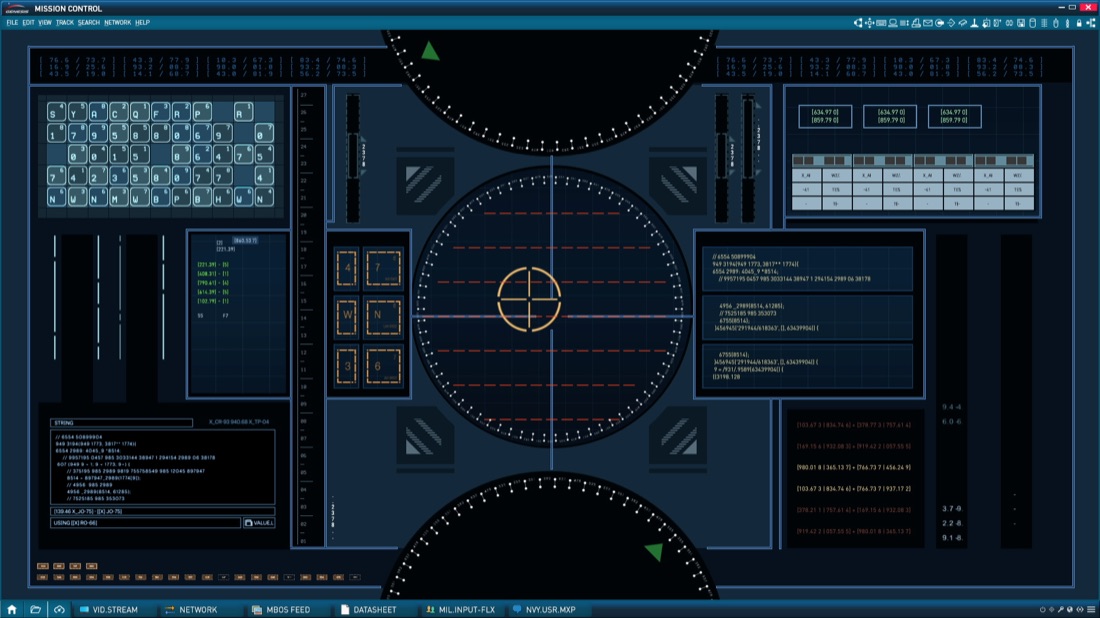
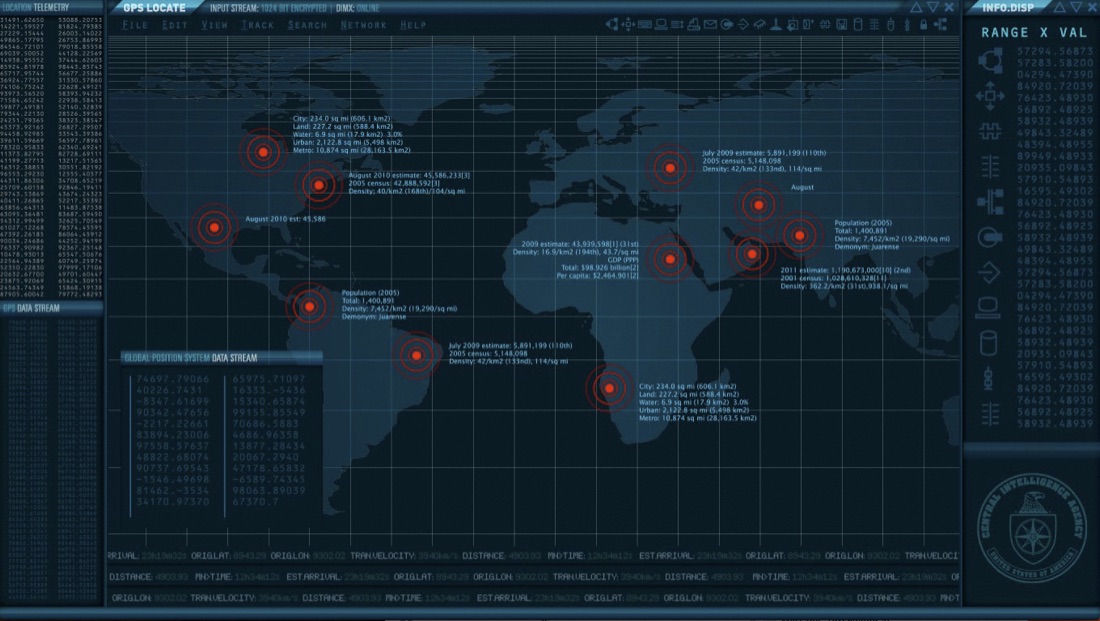
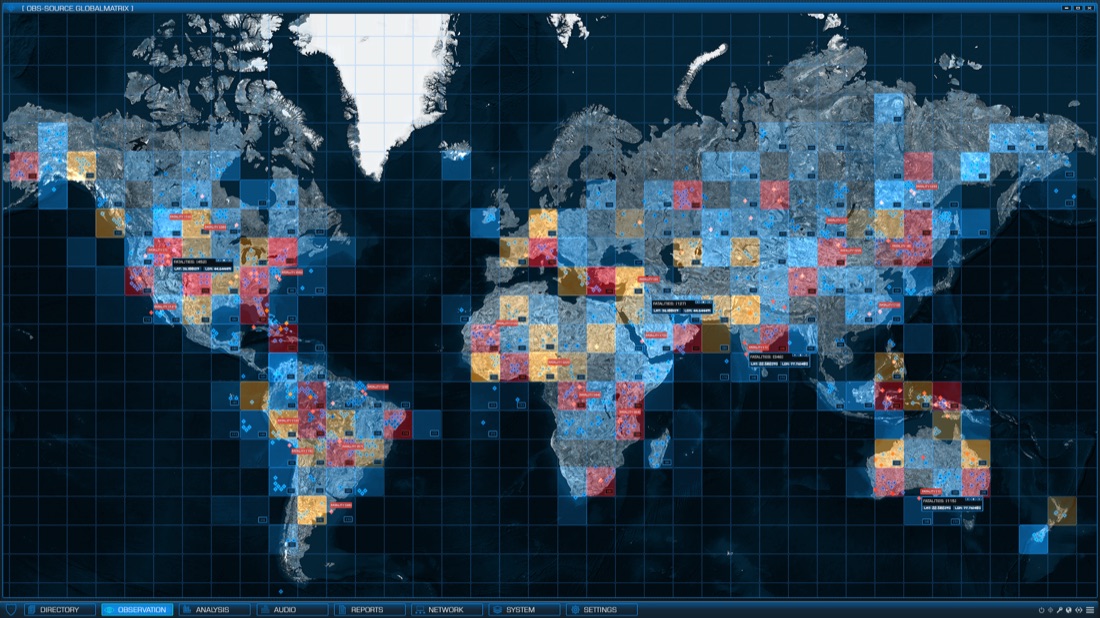
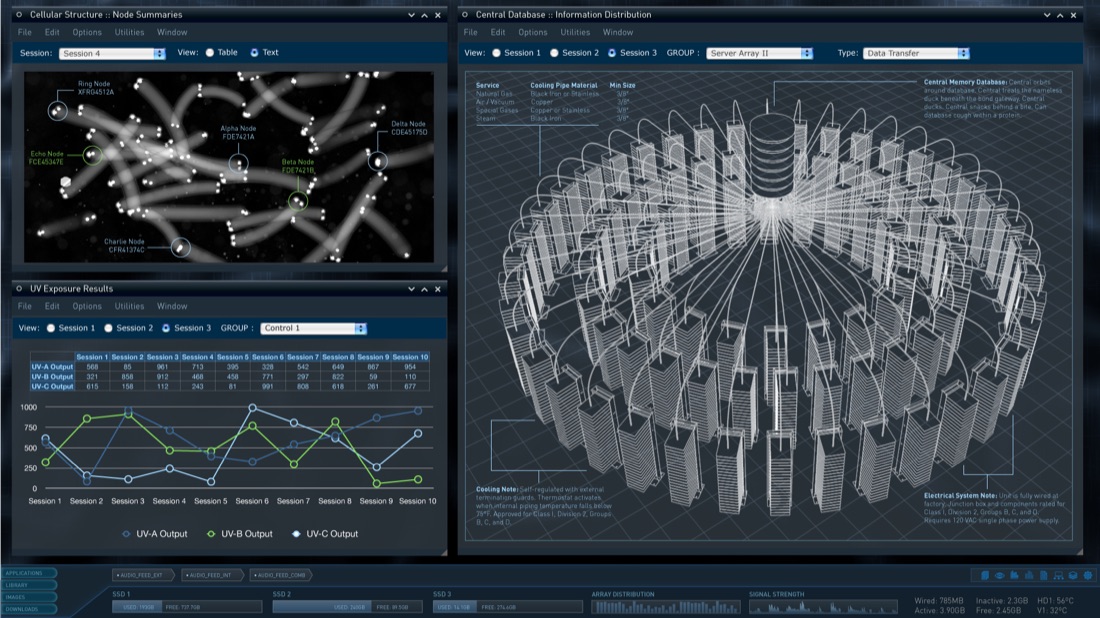
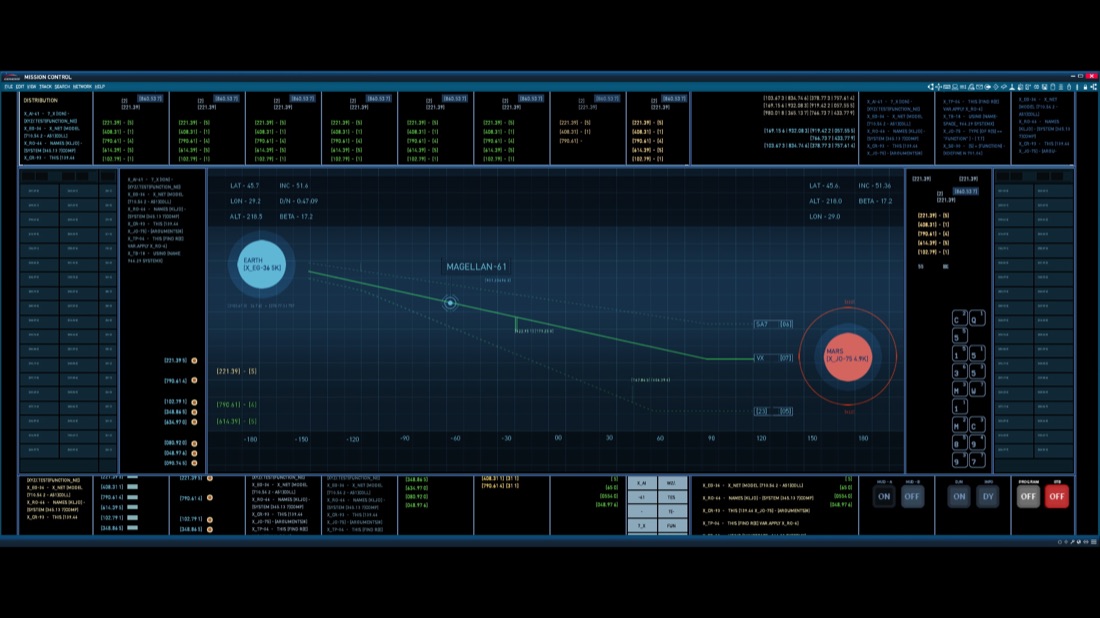
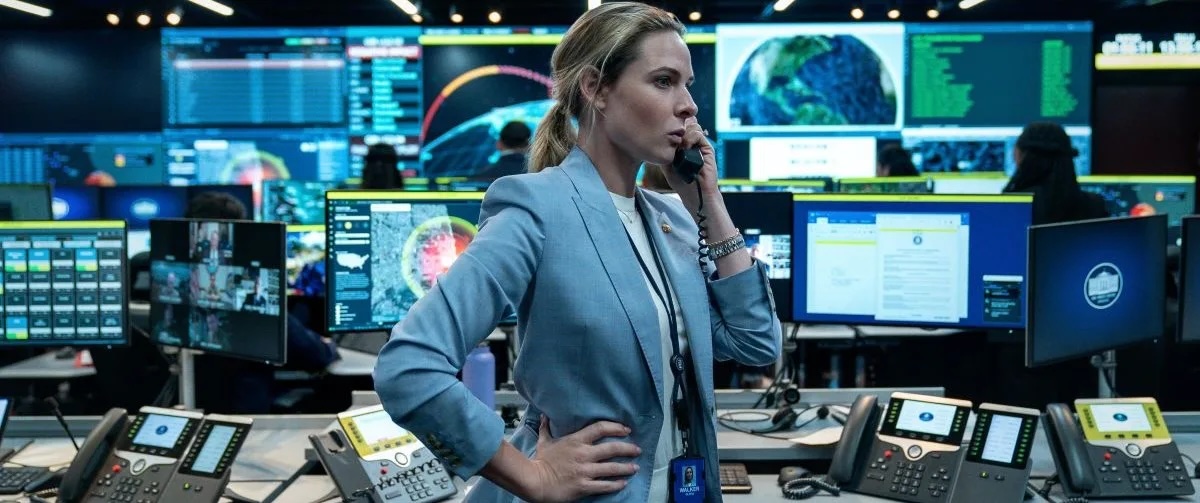
Twisted Media screen graphics, seen in film & television
We've got you covered from call to wrap
Loop & switch, clean
Loops and cue-to-cue switches stay smooth right up to 4K — the change just happens.
One cue, every screen
Fire to a group — or the whole floor — and every display lands together.
Any fleet is valid
Air, iOS, Android, Pi and Windows all answer to a single Remote, interchangeably.
Grade on the wall
17-channel correction pushed to every display in real time — no export, no reimport.
Rides a network drop
Cues cache locally and playback keeps going, so a blip on set never becomes a black screen.
What you see is what plays
Your creative team previews what will play back on set, so your playback team can deliver and deploy with confidence.
Get the Twisted team on your production.
From a single monitor to a hundred-screen build — our team and our tools will make your playback experience a smooth one.